AI Health Check

Helping founders identify issues before submission and reducing manual review effort

Ai
B2B
UX Design
SaaS
Legal Tech
Run. Review. Correct. Recheck.
MY ROLE

Product Designer

WITH

PM & CX

MY FOCUS

User Experience

01 / THE CX REVIEW PROCESS

CX reviewed applications
across several sources.

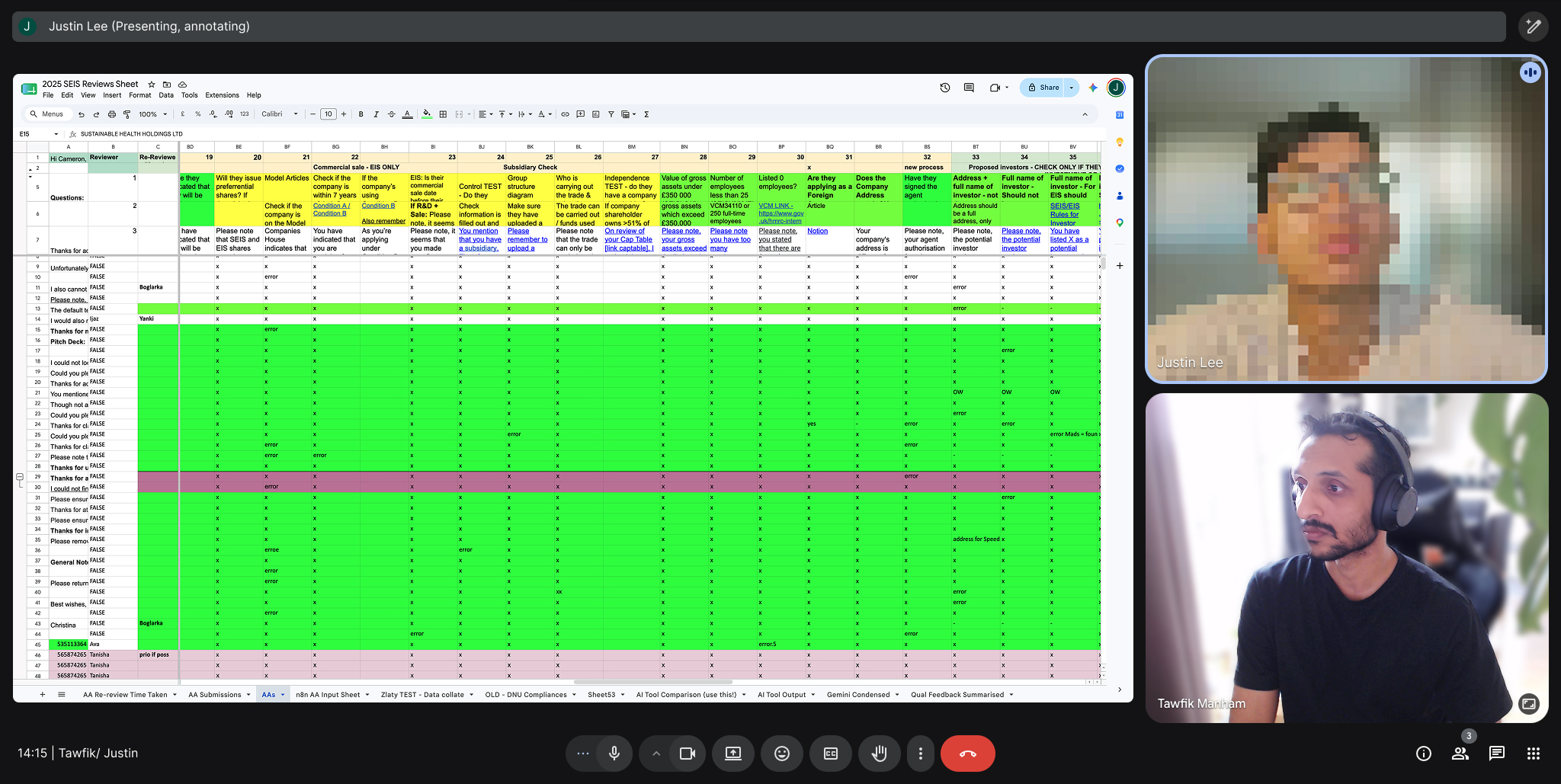
I worked with CX to understand how they reviewed Advance Assurance applications and where recurring corrections created extra work.

Working with CX to understand the review framework.
THE EXISTING REVIEW LOOP
Corrections meant another pass through the same sources.
01 / GATHER & COMPARE
Application
Company records
Review spreadsheet
02 / COMPILE FEEDBACK
Bring findings into a review document.
03 / CORRECT
Ask founders to update the application.
04 / REVIEW AGAIN
Verify the changes.
Repeat if needed.
WHAT I LEARNED FROM CX

Founders could resolve
common issues before CX review.

CX already had a documented review framework. The opportunity was to bring suitable checks into the founder’s preparation, with expert review still ahead.
02 / DESIGN EXPLORATIONS

Where should AI checks
appear in the application?

I compared inline checks and chat review.
Both introduced extra work when founders needed to make corrections.
1. Inline checking
Immediate feedback while completing the form.
Continuous checks used more tokens and spread findings across pages.
2. Chat review
Flexible conversation about the application.
Corrections meant switching between chat, documents and the form.
03 / CHOSEN APPROACH

Option 3: a checkpoint
before submission.

We chose a checkpoint to keep findings together, avoid continuous checks across pages and give founders a clear route to correct and recheck.
SELECTED

Health Check before submission

Run the Health Check → review findings → correct details → recheck → send to CX.
04 / REVIEWING THE FINDINGS

Reviewing findings and
correcting the application.

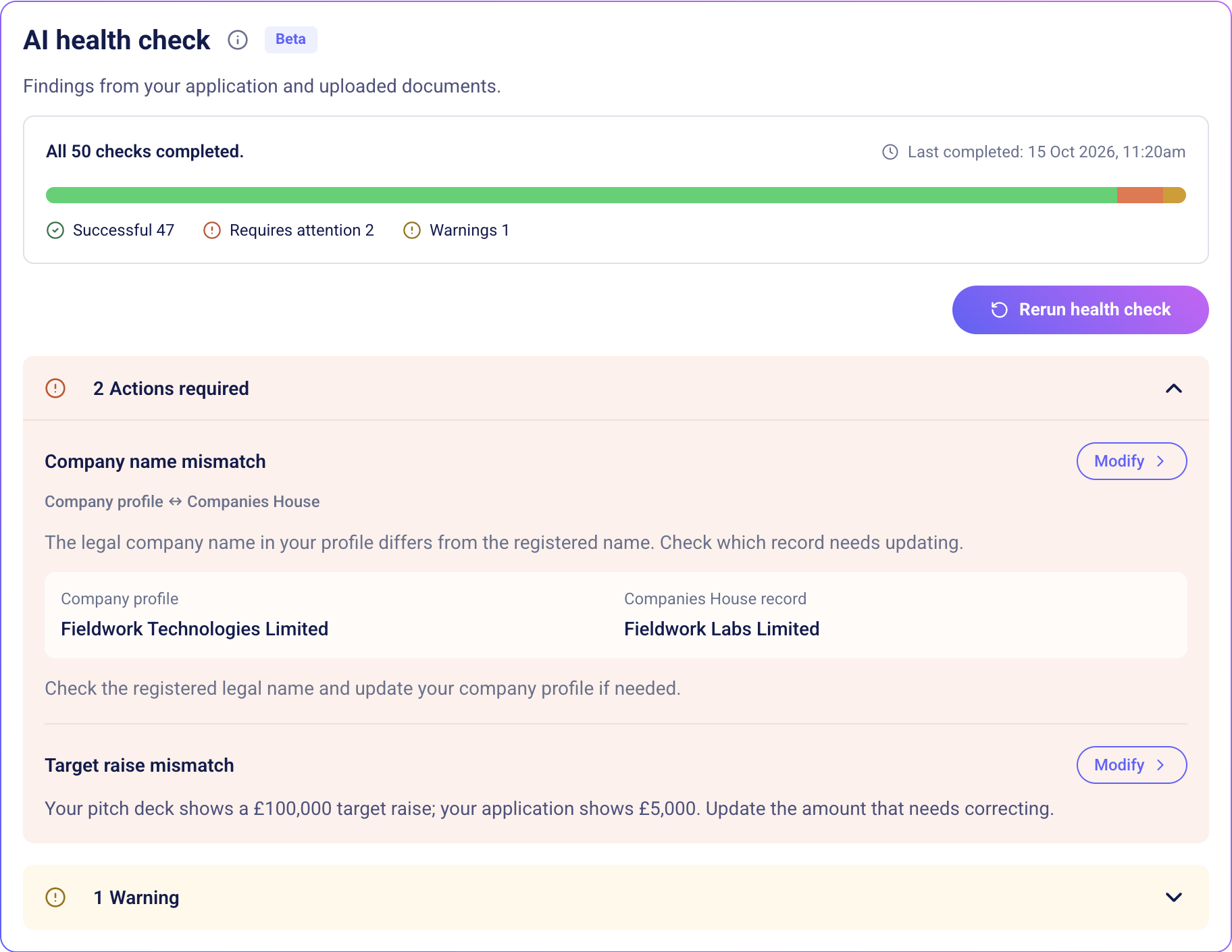
I brought findings into one review view, explained the mismatch and placed Modify beside the issue.
01 / WHILE CHECKING
Running review summary@2x (1)
Show what remains, set a time expectation and keep findings visible.
02 / REVIEW THE FINDING
AI health check — company comparison and warning@2x
Explain the mismatch.
Put the correction beside it.
Recheck before submitting.
05 / TESTING AND ITERATIONS

What changed after
testing with CX.

A one day bug bash with CX exposed false flags, missed completion feedback and detail founders did not need.
FOUNDER VIEW

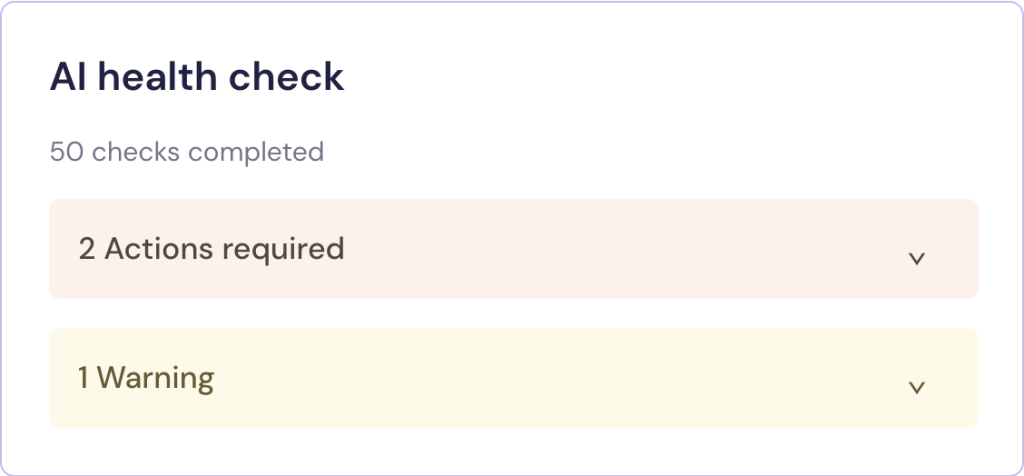
Actions and warnings only.

Founders can focus on corrections.
CX VIEW

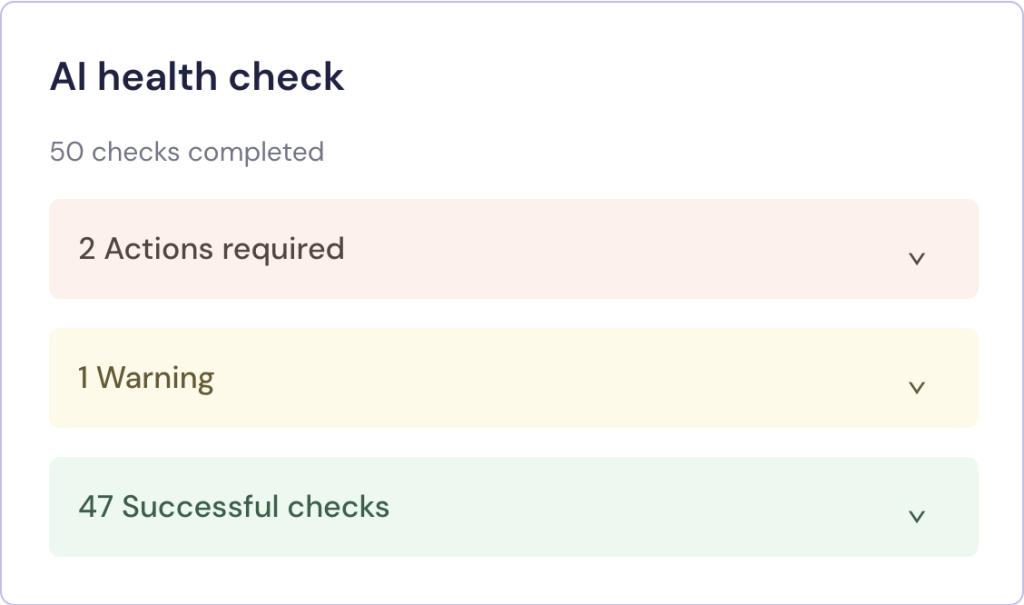
All check results available.

Successful check details stayed available.
CX could review the complete picture.
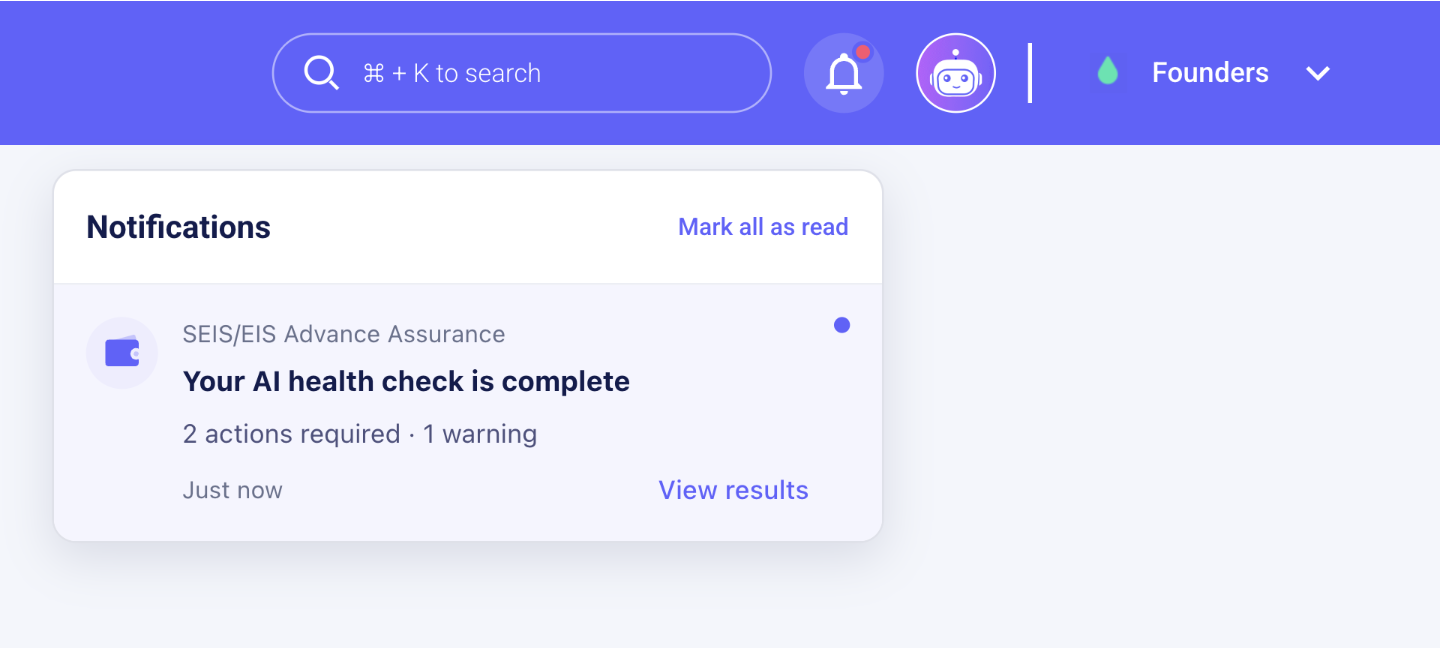
NOTIFICATION

Return to the results when checks are complete.

Users can navigate to other pages while AI checks run. A completion notification lets them know the results are ready and provides a route back to the review.

06 / OUTCOMES

Fewer issues reached CX.
The review allowance fell.

5 → 3

Working days

CX review allowance

9 → 3

Issues reaching CX

Reported after launch

3+

Checks before submission

Observed repeat use
WHAT I LEARNED

Building an AI feature meant
repeatedly questioning what users needed.

I started with ambitious possibilities, including a chat interface. Comparing approaches and testing with CX helped me make more focused choices. Small details, such as showing progress and hiding successful checks from founders, became important parts of making the review clear and useful.